Choosing a browser can be a pretty intensive process once you get into the specifics of what a browser can and should do for your workflow. My specific browser trajectory has had a pretty straightforward line that I’ll recount here.
Google Chrome
I started using Chrome pretty soon after it came out. I liked the idea of using a Google-based browser, and indeed I’d liked the idea of using Google-based everything. But if you orient your software/hardware around Google products, you realize pretty quickly that you can rely on essentially none of it. They’re liable to kill pretty much any of their products at any given time.
Now, of course permanence is a mental construct, we all understand this, but I’ll say that a company that lives for its browser is more likely to dedicate its time and energy to said browser. I don’t know if Google would ever kill Chrome, it seems to be far and away one of their most important products, but I’d be lying if I said the prospect of them just doing it, for some reason, didn’t weigh on me at all as I used it. Their overly restrictive policies on things like adblockers and the privacy nightmare they represent eventually pushed me away after about a decade.
Firefox
Firefox is pretty great. As a browser, it taught me a lot about privacy; that is, thinking in terms of privacy, thinking in terms of open-source, thinking in terms of trust between the user and the software. My journey to becoming more conscious about those things starts with Firefox and I’ll always appreciate it for that.
If I were ever going to change browsers again, it’d probably be back to Firefox. The push factors away from it were ultimately not that insurmountable. It was more like the browser had lagged in the specific features that I’d wanted out of a browser and hadn’t realized I could use until trying what I eventually settled on. So Firefox is a good browser, but for what I do, it’s limited and doesn’t seem especially interested in expanding or bettering itself. “Features” like using local AI to summarize pages for me isn’t a compelling reason to use it, so it’s disheartening to see their materials so full of things like that instead of, say, tab management.
Vivaldi Browser
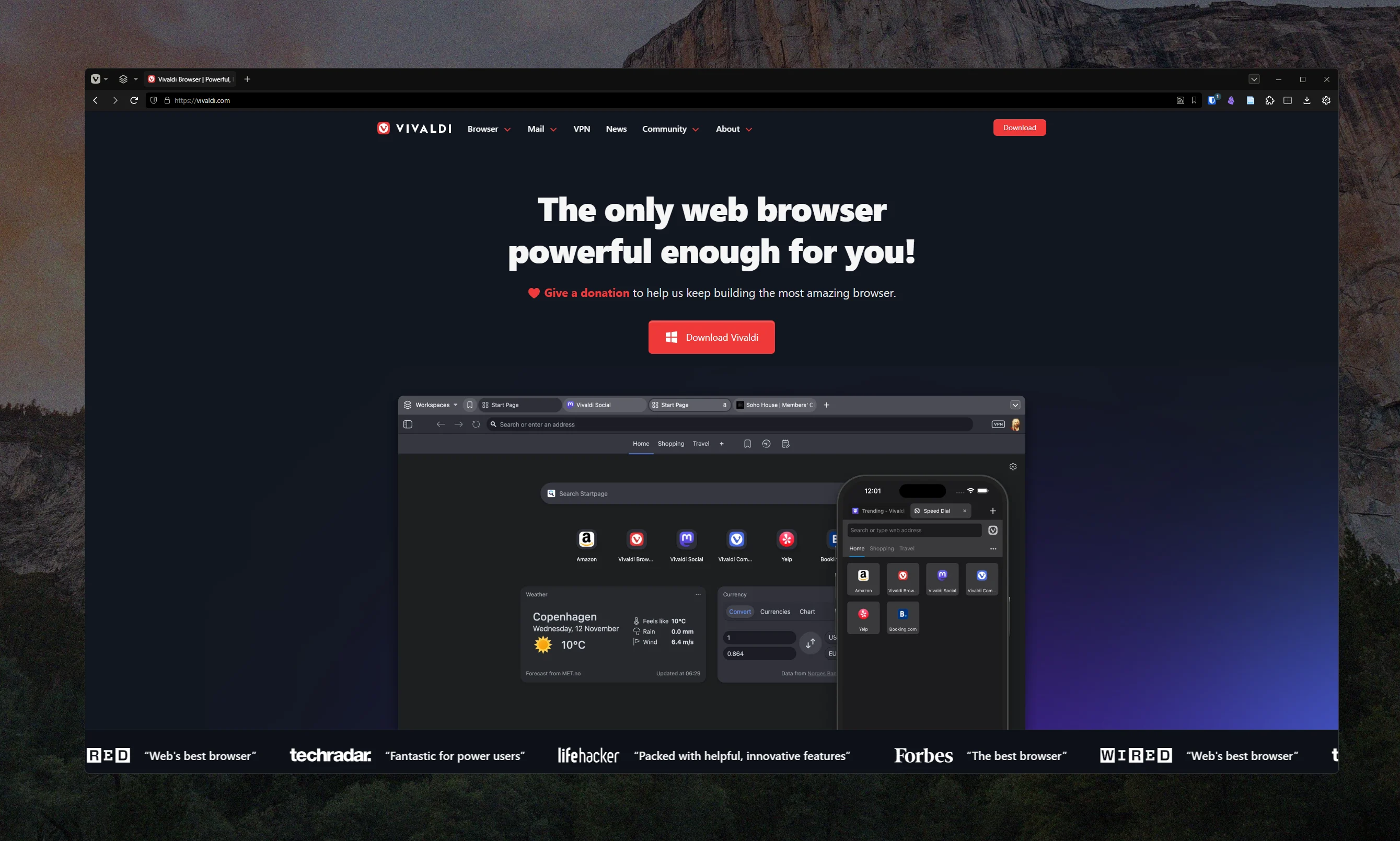
Vivaldi is what I eventually settled on. The browser is highly customizable and allows CSS tweaks which is great for the very little things I like changing (like removing X icons on tabs). I also like the theming options a lot. The sync, while down sometimes, is pretty useful. And the workspaces feature is the one that’s changed how I work the most by allowing me to group tabs together in specific sets that are related to the given space (i.e. specific workspaces of tabs for my dissertation work, or for the job search, or for media I’d like to watch, etc.). It can also auto-save your sessions so that you never catastrophically lose all of your tabs because of a random glitch or power surge (ahem, Firefox). There’s also a great, varied UI to tab stacks; my favorite of which just creates a second tab bar under the first showing all of the stacked tabs. It’s really fantastic.
On top of all of that, it’s speedy on my machine, they put privacy first, and native notes and things like that allow me to quickly throw relevant things into the browser to continue on my phone. I don’t use the optional mail client, but the calendar client gives me a quick way to add things to my calendar.
The only browser that’s come close to Vivaldi in terms of usability and features is Edge, but Edge has some of the same problems as Chrome. The lack of a customizable UI means it’s essentially dead-in-the-water for me as a browser choice. Vivaldi is the one I’m sticking with (for now) because it does everything I need it to.